ACLogics Is Now on Android
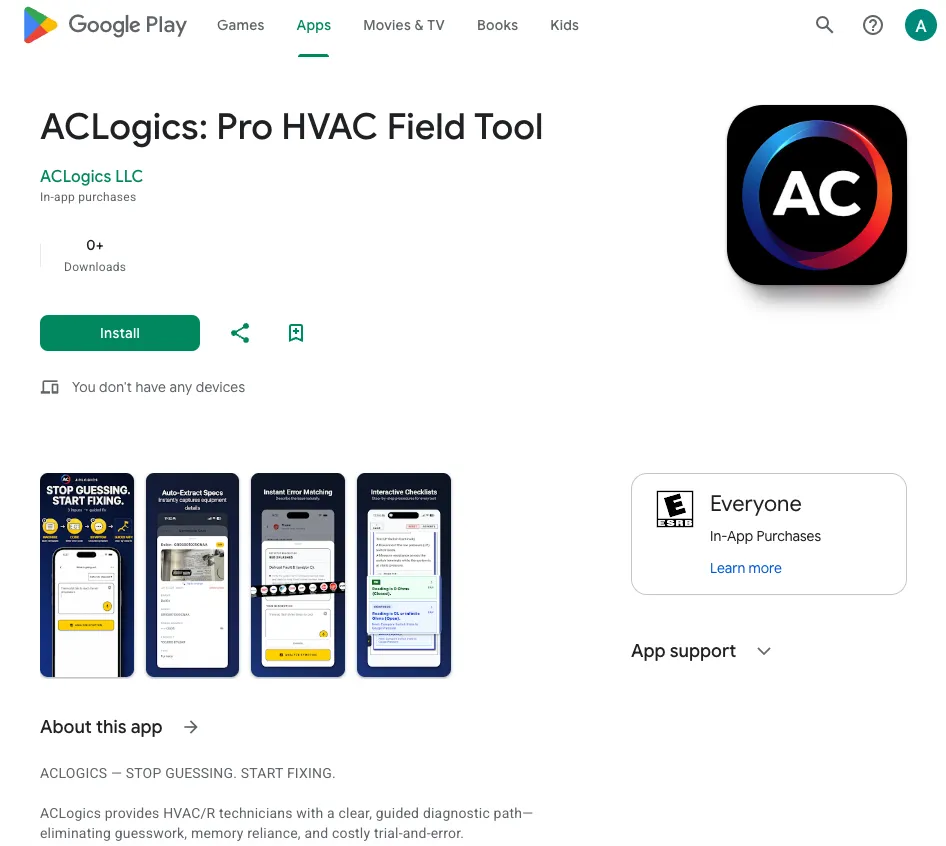
ACLogics is now available on Google Play for Android, alongside the Apple App Store. Same step-by-step HVAC diagnostics, now on whatever phone your crew already carries.
AI Summary
ACLogics is now available on Google Play for Android, alongside the Apple App Store. The same step-by-step HVAC diagnostic workflow now works on whichever phone a technician already carries.
ACLogics is now on Google Play. If your phone runs Android, you can install the app today at play.google.com/store/apps/details?id=com.aclogics.app. It has been on the Apple App Store for a while. Now both stores are covered.
That is the whole announcement. The rest is why it matters for a crew.
The app you carry should not decide the tools you get
A lot of field technicians run Android. Rugged phones, hand-me-down company devices, whatever was on sale at the carrier store. Until now, ACLogics only ran on iPhone and iPad, which meant half a crew could be locked out of the same diagnostic workflow for no reason other than the badge on the back of the phone.
That is a bad reason to split a team. A junior tech on an Android phone needs the structured second opinion at least as much as the senior tech on an iPhone does.
So the Android build is not a stripped-down version. It is the same app.
Same workflow on both platforms
The Android app works the way the iPhone app already does. You enter what you are seeing and what you measured, in plain language:
“No cooling, compressor humming, capacitor reads low, 240V confirmed at the contactor.”
You get back a structured diagnosis: likely causes ordered by probability, the test points to confirm each one, and the next checks to run. Not a chat thread. Not a wall of generic advice. A checklist you can work through with gloves on while the customer waits.
The technician still takes the measurements and makes the repair. The app keeps the reasoning honest and consistent, whether it is running on an iPhone in one truck or a Pixel in the next.
How to get it
- Android: open Google Play, search for ACLogics, or use this link.
- iPhone or iPad: open the App Store listing.
- Whole crew on mixed phones: send everyone to aclogics.com and let each person grab the right version.
The Free plan works on both stores, so there is no reason to wait for a purchase order to try it on a real call.